
 Expert Diagnostic Support
 Remote Software Installation
 Secure Shopping
 Contact Support


 Shop by Category


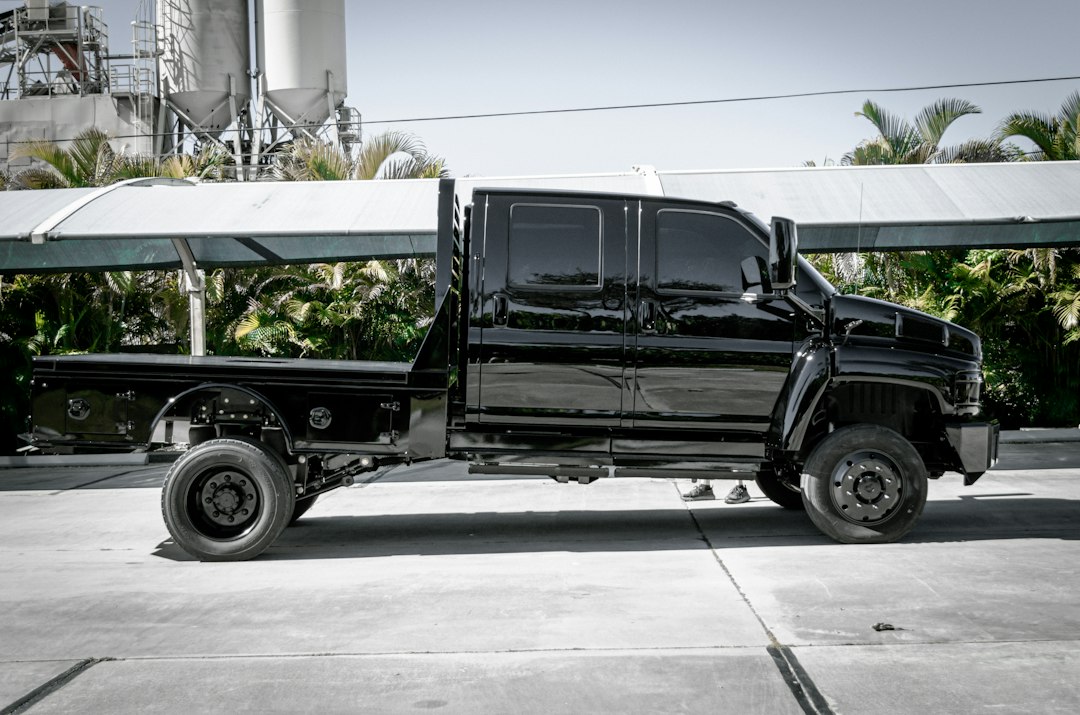
Start with how you’ll use the tool, not the specs sheet
If you work on fleets of mixed diesel trucks, a portable all‑systems scanner with 24V support and bi‑directional tests will save hours. If you only need fast roadside code reads, a rugged handheld reader with basic live data and DTC clearing is cheaper and lighter. The single most useful question to answer up front: what trucks and what repairs will this tool actually help you complete?
Match compatibility to your vehicle types and systems
Heavy‑duty truck diagnostic tools vary by the makes, models and subsystems they support. Identify the specific OEMs and control modules you need:
- Engine/ECM: required for Cummins, Detroit, PACCAR, etc.
- Transmission: mandatory if you perform driveline service or resets.
- ABS/Brake systems and trailer ABS: common on fleet work.
- Body, HVAC, telematics: needed for dealer‑level troubleshooting in some shops.
Check product descriptions for explicit vendor lists (Freightliner, International, Mack, etc.) and whether the device supports both 12V and 24V systems. If you run mixed cars and trucks, confirm multi‑vehicle compatibility rather than assuming OBD2 parity.
Decide between an all‑in‑one tablet and a focused handheld
Think about workflow, portability and diagnostics depth:
- All‑in‑one tablet scanners (bigger screens, touchscreen UI) excel for in‑bay diagnostics, live‑data graphing, ECU coding and active tests. They’re the best choice when you need bi‑directional control or perform software‑level interventions like DPF regen and injector coding.
- Handheld readers are rugged, fast and cheaper — ideal for quick checks, pre‑trip inspections and roadside repairs. They often lack extensive active tests or ECU coding.
For mixed fleet shops that need deep diagnostics, tablets are typically worth the price. For mobile techs focused on DTC reads and simple resets, a compact handheld is usually sufficient.
Important feature trade-offs to evaluate
- Bi‑directional control / active tests: Essential for actuators, valve tests and verifying repairs. If you run engine or transmission repairs, ensure these functions are supported.
- ECU coding and adaptations: Useful for replacing modules or changing calibration parameters. Not every scanner offers secure coding—confirm the supported procedures.
- Live data and graphing: Look for multiple parameter displays, adjustable sampling rates and data recording if you diagnose intermittent faults.
- Software updates and subscriptions: Lifetime free updates exist, but some models require paid subscriptions for coverage of new trucks or advanced functions. Budget for updates if you plan to keep the tool long‑term.
- Connectivity and cables: Deutsch 9‑pin and OBD2 support, Bluetooth/Wi‑Fi for software updates, and adapter availability matter. A scanner that requires proprietary cables can increase maintenance costs.
- Ruggedness and portability: IP ratings, drop resistance, and whether the unit fits a service van or belt holster influence daily usability.
Software, integration and data management
Diagnostic software is as important as hardware. Consider whether you need:
- PC‑based OEM software for deep access (often subscription based).
- Cloud accounts that store vehicle history and saved logs for fleet maintenance tracking.
- Compatibility with your shop’s workflows—PDF reports, CSV data exports and technician user accounts can reduce admin time.
If you already use fleet management or telematics, prioritize tools that export reports in compatible formats and that can integrate with existing systems.
When to choose a brand‑level heavy‑duty scanner versus OEM software
Brand scanners (third‑party heavy‑duty models) give broad coverage and strong field features at a fraction of OEM software cost. OEM tools provide the deepest, vendor‑specific access and are sometimes necessary for certain calibrations or secure coding. Use this rule of thumb:
- Choose a third‑party all‑in‑one scanner if you need wide coverage, active tests and portability across many OEMs.
- Reserve OEM software when you must perform vendor‑locked procedures or receive authenticated service bulletins that third‑party tools can’t execute.
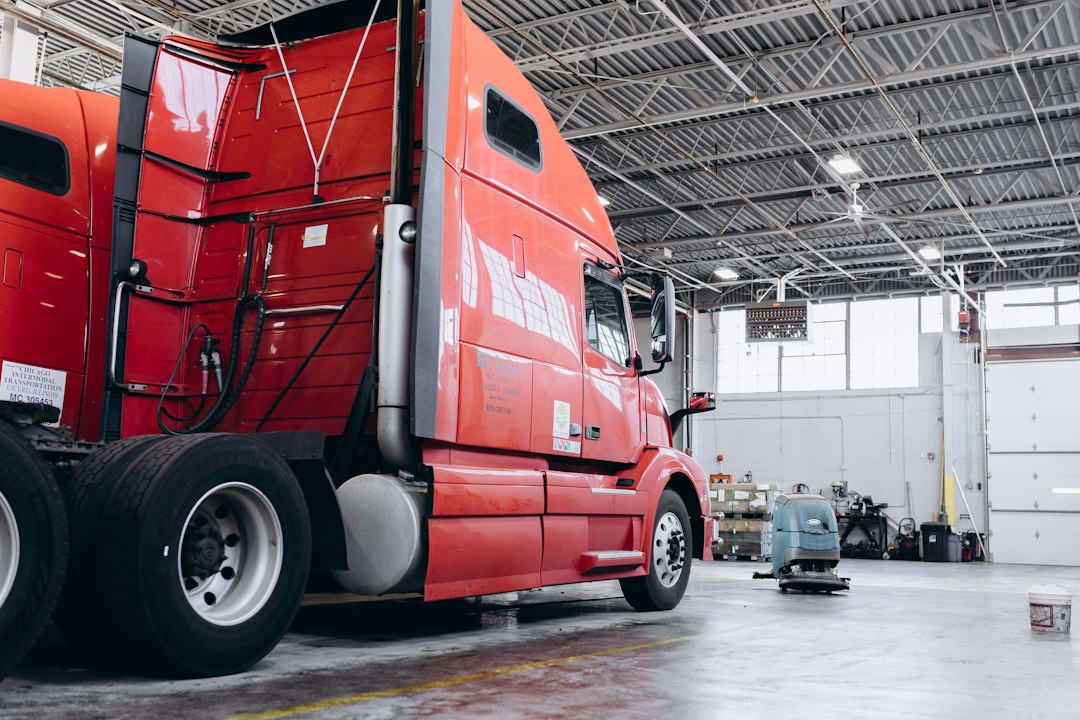
Practical reliability: batteries, cases and service support
Uptime matters. Look for devices with long battery life or the option to run from vehicle power, and hard protective cases for field use—especially if you move between shops and yards. Also check warranty length and local support; a viable phone or ticket response from the vendor can save hours when a critical scanner goes offline.
Budgeting: buy once or buy to replace later
Low‑cost scanners can be attractive but may lack updates, cable support or advanced tests. Higher initial cost often buys more long‑term value—better update policies, broader compatibility and fewer adapter purchases. Factor in:
- Expected service life (3–5 years is typical before new truck models require newer software).
- Update subscription costs, if any.
- Accessory costs: cable kits, printers, rugged cases and battery testers.
Product recommendation for most fleet shops
For shops that need broad heavy‑duty diagnostics, a tablet‑style scanner with full‑system support, bi‑directional tests, ECU coding and reliable update policy is the best all‑round solution. It handles engine, transmission, ABS and body controllers while giving live data and active testing for troubleshooting and repair verification.
[having one device that also includes a battery tester is useful for combined electrical diagnostics—consider bundled kits for roadside efficiency.]
When you might pick a different model
- If you focus on a single OEM (for example, only Cummins trucks), an OEM‑grade or OEM‑aligned tool that specializes in that make may offer deeper access than a generalist.
- If you’re a mobile technician who works primarily roadside, pick a rugged handheld with quick boot, simple menus and long battery life.
- List the truck makes and control modules you need to support.
- Decide if you require bi‑directional tests and ECU coding.
- Check 12V/24V compatibility and required cable types (Deutsch 9‑pin, OBD2).
- Confirm update policy and whether subscription fees apply.
- Assess ruggedness and whether a protective case or battery tester is needed.
- Plan for data export and integration with your shop systems.
Choose based on use case: tablet-style all‑system scanners for in‑bay, deep diagnostics and ECU work; handheld code readers for inspections and roadside fixes. Prioritize compatibility, active tests and software update policy over headline specs.
Do heavy‑duty scanners need special cables?
Yes—many trucks use Deutsch 9‑pin or proprietary connectors; confirm included cables and available adapters before buying.
Is ECU coding necessary for most repairs?
Not for routine DTC diagnosis, but coding and adaptations are required when replacing modules, performing injector coding, or changing calibration parameters.
Are lifetime updates worth it?
Often yes—lifetime or long‑term updates help maintain compatibility with new models and save on future subscription fees.
Can one scanner cover both trucks and light vehicles?
Some models offer dual coverage, but verify that the device explicitly supports both vehicle classes and voltages; otherwise you may need separate tools.
How important is bi‑directional testing?
Critical for verifying repairs on actuators, sensors and for performing active system tests—skip it only if you never perform those procedures.
Diagnostic Products Related to This Guide


