 Contact Support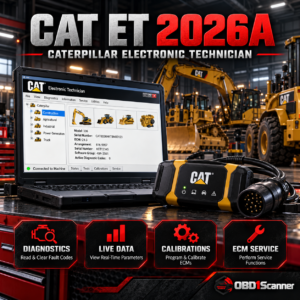
CATERPILLAR CAT ET 2026A – Caterpillar Electronic Technician Diagnostic Software
Original price was: $179.99.$118.88Current price is: $118.88.

 Expert Diagnostic Support
 Remote Software Installation
 Secure Shopping


 Shop by Category
Shop by category
 Automotive SoftwareDealer-level car and light vehicle diagnostics
 Truck SoftwareCommercial truck diagnostic systems
 Heavy EquipmentConstruction and industrial equipment
 Agricultural MachineryTractor and agricultural systems
 Marine DiagnosticsMarine engine and vessel tools
 Programming & TuningECU programming and specialist utilities
 OBD1 ScannersFor older vehicle systems
 OBD2 ScannersProfessional code readers and scan tools Secure Checkout | Expert Support
Browse a structured catalog of professional diagnostic, service, programming and repair software. Start by application, software type or manufacturer, then review the product-specific technical information before purchasing.
Available software products currently published in the catalog.
Manufacturer and platform directories connected to their products.
Automotive, truck, equipment, agricultural, marine and programming categories.
Use the category structure to narrow the catalog before comparing individual software products.
Diagnostic and service solutions for tractors, agricultural machinery and related equipment.
Diagnostic, service, programming and repair software for passenger cars and light vehicles.
Software for construction, industrial and off-highway equipment diagnostics and service.
Software and diagnostic resources for supported marine engines and electronic systems.
Programming, configuration, calibration and specialist diagnostic software categories.
Professional platforms for commercial trucks, engines, fleets and heavy-duty service work.
Jump directly to the kinds of diagnostic platforms represented in the software catalog.
Use the vehicle-type taxonomy when you already know the application or equipment class you are working with.
Every brand page groups the software products assigned to that manufacturer or platform.









The catalog below is generated from the live WooCommerce software inventory. Open a product to review its compatibility, system requirements, delivery method and other technical details.


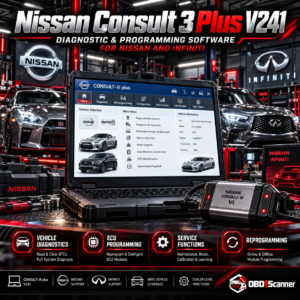

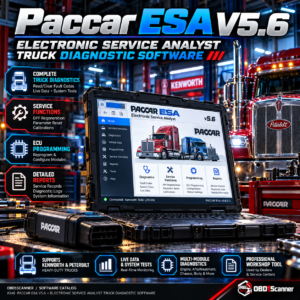



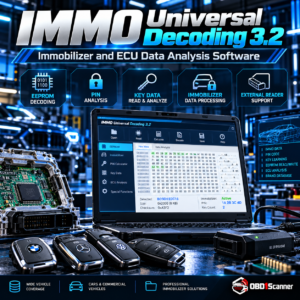
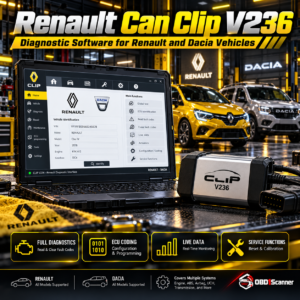

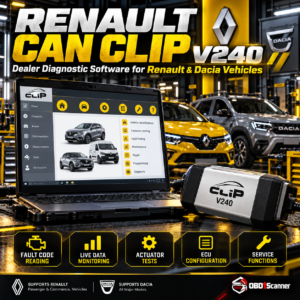


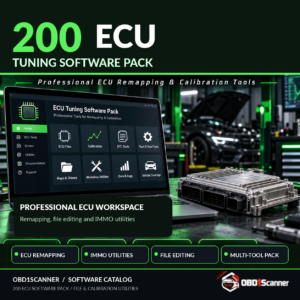


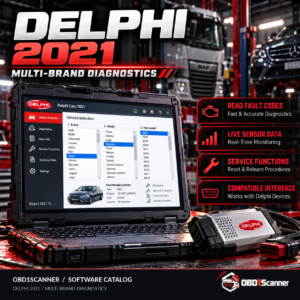


Page 3 of 5 · 112 products
Professional diagnostic software can depend on the exact vehicle or equipment family, communication interface, computer operating system, software version and licensing method. A product that is suitable for one workshop setup may not be suitable for another, even when the vehicles appear similar.
Use the technical information on each product page as your starting point. Compare the supported systems and functions with the equipment you intend to diagnose, check any required adapter or interface, and review installation or delivery notes before placing an order.
If you are not sure which software fits your vehicle, machine or existing diagnostic hardware, contact OBD1Scanner with the make, model, year, engine or equipment details and the interface you currently use. More complete information makes it easier to point you toward the most relevant catalog options.
Send the vehicle or equipment details, the work you need to perform and any interface or laptop information you already have.