
 Expert Diagnostic Support
 Remote Software Installation
 Secure Shopping
 Contact Support


 Shop by Category


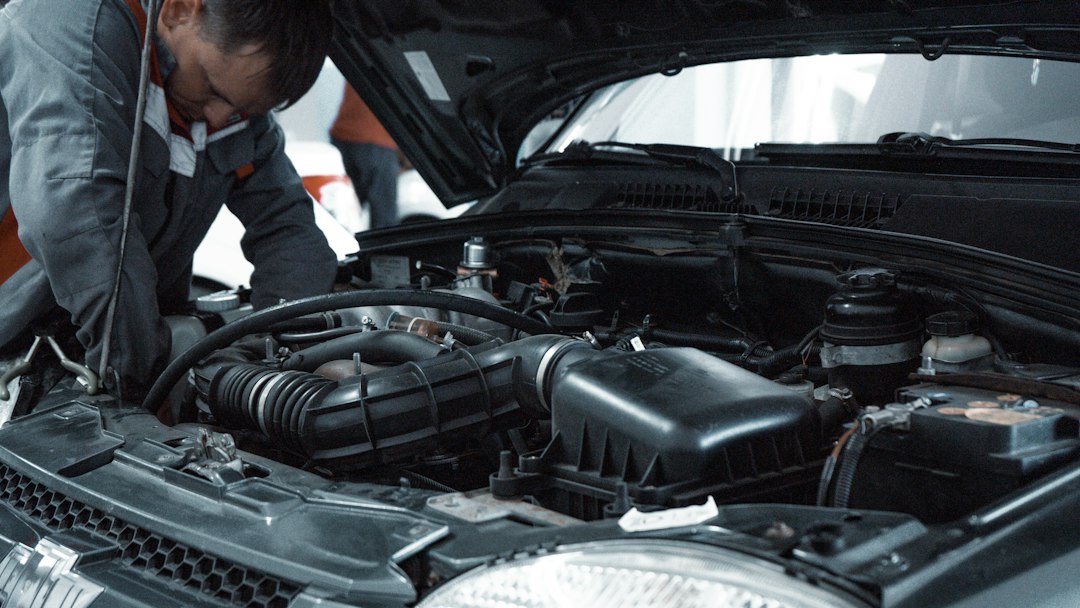
Start with the result you want: a reliable diagnosis, not just an empty code memory
Reading and clearing diagnostic trouble codes correctly will tell you what the car’s computer observed, help you decide the next repair step, and prevent you from erasing valuable diagnostic data prematurely. The goal is to use an OBD2 scanner to capture codes and context, confirm the root cause, then clear codes only when appropriate.
What you need before you begin
- A compatible OBD2 scanner (basic code reader is fine for reading/clearing codes; a model with live data and freeze-frame helps troubleshooting).
- Vehicle parked, engine off (some tools require ignition on); owner’s manual or repair info for code definitions.
- Pen and phone camera to record codes and freeze-frame data before clearing.
How to read and clear codes — step-by-step
1. Connect and identify the vehicle
Locate the OBD-II port (usually under the dash on the driver’s side). Plug in the scanner with the vehicle off, then switch ignition to ON (engine off) or start the engine depending on the scanner’s instructions. Let the scanner read VIN/ECU IDs if offered — that confirms you’re communicating with the right module.
2. Retrieve stored and pending codes and freeze-frame
Run the “Read Codes” or “DTC” function. Note three categories if available: stored codes (confirmed issues), pending/intermittent codes (conditions detected but not yet confirmed), and permanent codes (require repair and readiness cycling). Record code numbers exactly (e.g., P0171) and capture freeze-frame or live data snapshots — these show engine conditions when the fault occurred and are essential for accurate diagnosis.
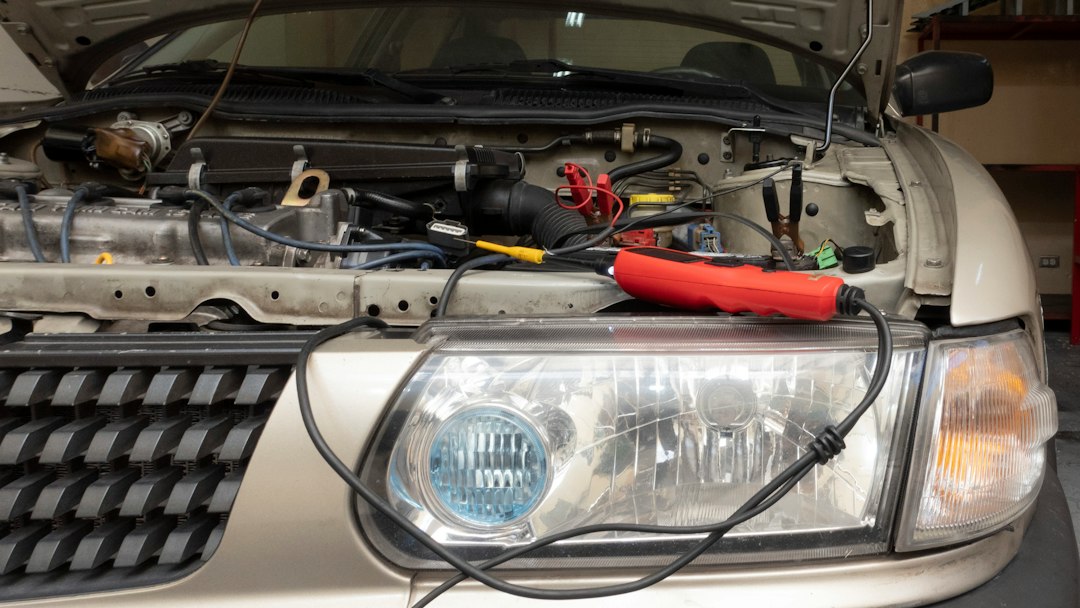
3. Interpret codes and prioritize
Use the code number as the starting point — it identifies a system and a condition, not the exact failing part. For example, P0420 signals catalyst efficiency below threshold; the cause can be oxygen sensors, exhaust leaks, or a bad catalytic converter. Prioritize codes that affect safety or drivability (misfires, braking systems, engine stalling) and codes tied to emissions readiness if you need to pass an inspection.
4. Inspect the simple, common causes first
Before swapping parts, check obvious items: gas cap tightness for evap codes, loose vacuum hoses for idle/mix issues, spark plugs and ignition coils for misfires. Use live data to confirm: misfire counts, fuel trims, O2 sensor voltages, or MAP/MAF readings will often point to the subsystem at fault.
5. Test rather than replace
Wherever possible, test components using live data or bench tests. For example, monitor fuel trim and O2 sensor response to detect a failing sensor versus a fuel delivery problem. For intermittent codes, a road test while logging live data is often decisive.
6. When to clear codes
Only clear codes after you’ve recorded them and either fixed the fault or intentionally want to verify whether the repair resolved the issue. Clearing codes removes stored and pending DTCs and resets I/M readiness monitors (which may take many drive cycles to reset). Don’t clear codes just to turn off the check engine light — that destroys the freeze-frame evidence technicians rely on.
7. Verify the repair with a test drive and re-scan
After repair, re-scan to confirm the original code does not return. Do at least one drive cycle representative of normal operation (city and highway if possible) so readiness monitors can run. If the code reappears, gather fresh live data and revisit the diagnosis.
Common troubleshooting scenarios
Pending codes return after clearing
Pending codes mean the ECU saw a transient fault. If they return immediately after clearing, the underlying issue is persistent. Re-check for loose connections, vacuum leaks, low fuel pressure, or intermittent wiring faults.
Check engine light stays on but no codes
Some manufacturer-specific modules store codes in separate systems (ABS, transmission). Also, a scanner limited to generic OBD2 P0xxx codes might not read manufacturer-specific codes (P1xxx or U-codes). Try a more capable scanner or professional diagnostic software.
Readiness monitors failed after clearing
It’s normal: monitors reset and must complete drive cycles. If you need a readiness check for inspection, avoid clearing codes within days of the test and follow the specific drive cycle for your vehicle until monitors report ready.
Which scanner should you use?
If you only need to read/clear codes and see live data, a reliable, low-cost reader is appropriate. For deeper diagnostics, pick a scanner with live data, freeze-frame, I/M readiness, and DTC lookup.
The ANCEL AD310 is a good single-tool choice for most DIYers: it reads/clears codes, shows live data, and is easy to use for 1996+ OBD2 vehicles.
When to get professional help
Bring the vehicle to a shop if you encounter safety-related faults, complex intermittent failures, or if manufacturer-specific systems and programming are involved. Professionals have bi-directional tools, advanced scope testing, and technical service bulletins (TSBs) that can save time and money.
- Record exact DTC numbers and freeze-frame data (photos help).
- Scan for pending and permanent codes, not only stored codes.
- Inspect obvious causes (gas cap, hoses, connectors) before replacing parts.
- Test components with live data where possible.
- Only clear codes after a confirmed repair or when actively testing.
Reading and clearing diagnostic trouble codes is a diagnostic workflow: capture the code and context, diagnose using tests and live data, repair the root cause, then clear and verify. Prioritize preserving data until you’re confident the problem is fixed.
Can I clear codes to turn off the check engine light?
Yes, but it’s a short-term fix; clearing removes diagnostic data and may cause readiness monitors to reset, hiding the real problem and delaying inspections.
What’s the difference between pending and stored codes?
Pending codes indicate a condition detected but not yet confirmed; stored codes are confirmed faults logged by the ECU.
Will clearing codes fix a misfire?
Only if the misfire was caused by a transient event. Persistent misfires require diagnosis and repair; clearing only erases the evidence temporarily.
Do all scanners show the same codes?
All OBD2 scanners report standard P0xxx codes, but cheaper units may not read manufacturer-specific codes (P1xxx) or module-specific U/C codes—higher-end scanners and software are needed for those.
Diagnostic Products Related to This Guide


