
 Expert Diagnostic Support
 Remote Software Installation
 Secure Shopping
 Contact Support


 Shop by Category


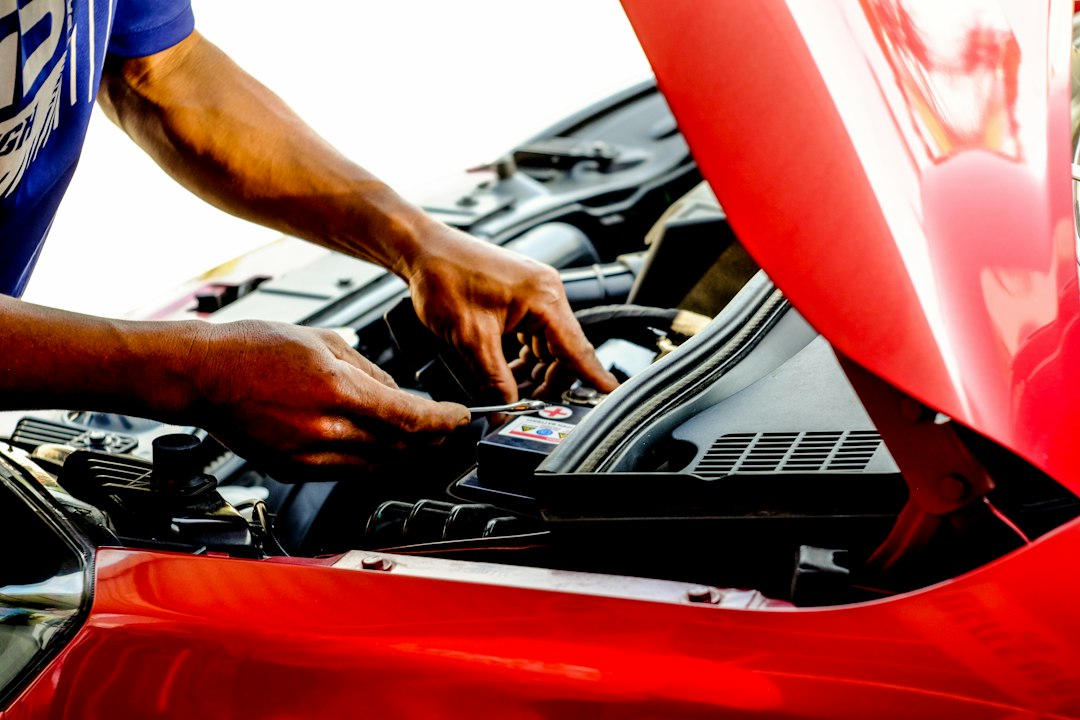
You see a flashing Check Engine light — now what?
Imagine you pull into your driveway, the check engine light is on, and you want a quick answer: is this a simple sensor fault you can clear, or does it need a shop? The first thing to know is whether your car uses OBD1 vs OBD2, because that determines which diagnostic tools will work and how easily you can get readable trouble codes.
Quick answer: which system does your car use?
If your vehicle is a U.S. model from 1996 or later, it almost certainly uses OBD2. Older vehicles — typically late 1980s through mid‑1990s depending on make and market — often use manufacturer-specific OBD1 systems. Use “OBD1 vs OBD2” to guide your tool choice: standard OBD2 scanners plug straight into a 16‑pin port; OBD1 often needs a special adapter or OEM cable and different software.
Decision criteria: what matters when choosing between OBD1 and OBD2 tools
- Vehicle year and market: emissions laws (like the U.S. 1996 OBD2 mandate) are the fastest way to classify systems.
- Connector type and location: OBD2 uses a standardized 16‑pin under‑dash port; OBD1 connectors vary (common 22‑pin on older Toyotas, separate plugs in the engine bay for some GM/Ford models).
- Scope of data needed: OBD2 exposes standardized P‑codes and live PID data; OBD1 is often limited to blink codes or manufacturer protocols with fewer live-data options.
- Tool compatibility and cost: generic OBD2 scan tools are inexpensive and widely supported; OBD1 diagnostics usually require brand-specific adapters or higher-end equipment.
- Repair goals: quick code reads and resets vs deep diagnostics or ECU programming — the latter often needs a professional-grade tool regardless of protocol.
How OBD1 and OBD2 differ in practice
Both systems were created to monitor emissions and report faults, but they do that very differently:
- Standardization: OBD2 is standardized across manufacturers: same connector, standardized trouble codes (P0xxx), and defined PIDs for many parameters. OBD1 was a patchwork of manufacturer-specific protocols and connectors.
- Data access: OBD2 supports richer live data streams (sensor readings, freeze frame, readiness monitors). OBD1 often provides limited code output (blinking check engine light or short codes) and fewer live parameters.
- Diagnostics workflow: OBD2 readers can read/clear codes, show live data and readiness status quickly. Diagnosing an OBD1 car may require service manuals, wiring diagrams, and special adapters or test equipment.
- Availability of tools: Cheap OBD2 scanners are abundant. OBD1 scanners or converters exist but are less common and sometimes specific to a brand or model year.
How to identify your car’s connector and protocol
Check these three quick spots:
- Look under the dashboard on the driver’s side for a trapezoidal 16‑pin connector — that’s OBD2.
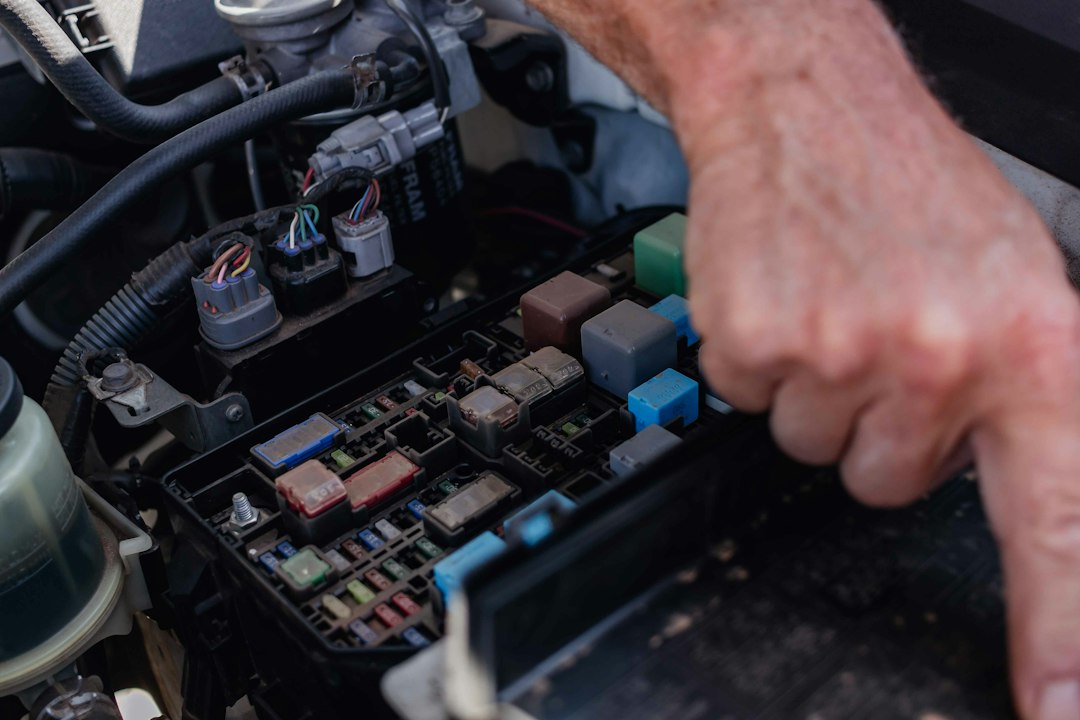
- If you don’t find a 16‑pin port, check around the engine bay, firewall, or near the fuse box for one or more multi‑pin plugs (some OBD1 ports are mounted in the engine compartment).
- Confirm by vehicle year and make: U.S. models 1996+ = OBD2; before that, consult a service manual or an online source for the specific make and year.
When OBD1 trickiness matters: common real-world examples
Example 1 — Older Toyota (late 1980s–mid‑90s): many use a 22‑pin connector mounted in the engine bay. A generic OBD2 reader won’t plug in; you need a 22‑pin adapter or a compatible OBD1 scanner.
Example 2 — Early‑90s GM/Ford models: some have separate plugs for engine and transmission, no single under‑dash 16‑pin. Expect different protocols and potentially blinking codes read via a service connector or LED.
Which diagnostic tool should you buy?
Start by matching the tool to your vehicle and repair goals:
- If you own or work on most cars from 1996 onward: get a reliable OBD2 scanner with live data and system coverage. Recommended store pick:
— a modern all‑system XTOOL unit for broader vehicle support and programmer features.
- If you have an older car that’s OBD1 or mixed: obtain the correct adapter or a scanner made for that make. For Toyota 22‑pin conversions, the practical accessory is
.
- If you need professional-level all‑system diagnostics across generations: consider a full‑system scanner with OBD1 adapter compatibility or dedicated manufacturers’ service tools; see multi‑system options like the LAUNCH and Innova products in the catalog.
Trade-offs: DIY simplicity vs full diagnostics
OBD2: easiest path. Plug a consumer scanner, read codes, check live PIDs, and clear many faults yourself. It’s ideal for routine troubleshooting and valve sensor swaps.
OBD1: more effort. You may only see blink codes without the right adapter or have to decode manufacturer codes and schematics. For hobbyists restoring or maintaining older cars, learning the specific protocol is part of the job; for one-off repairs, a shop visit might be faster.
Practical checklist before you start diagnosing
Before you buy tools or begin a diagnosis, verify VIN, model year, and where the connector is located — this saves returns and wasted hours.
- Confirm vehicle model year and market (U.S., EU, Japan) for likely OBD version.
- Locate and photograph the diagnostic connector under the dash and in the engine bay.
- Note whether the check engine light blinks a pattern when you turn the key—this may be an OBD1 blink code.
- Decide if you need live data, clears, or ECU programming to choose the right tool.
- When buying adapters, ensure they match the make and connector pin count.
OBD2 is the standardized, easier-to-access system used on most cars built since 1996; OBD1 requires make-specific knowledge and hardware. Identify your connector and repair goals first, then choose a dedicated OBD2 scanner or the correct OBD1 adapter/tool to match.
How can I tell if my car is OBD1 or OBD2?
Check the vehicle year (1996 U.S. cutoff) and look under the driver’s dash for a 16‑pin OBD2 port; if absent, inspect the engine bay for manufacturer connectors common to OBD1 systems.
Can I use an OBD2 scanner on an OBD1 car with an adapter?
Not reliably. Some adapters only change pin form factor; they don’t translate manufacturer protocols. For many OBD1 cars you need a brand‑specific scanner or adapter that handles the protocol.
Will an OBD2 reader show detailed live data for older cars?
Only if the vehicle supports OBD2 PIDs. OBD1 systems typically expose fewer parameters, so live data will be limited or absent.
Is it worth buying a full‑system scanner if I have an older car?
If you frequently work on older vehicles or do in‑depth diagnostics, a full‑system scanner with OBD1 adapter options pays off; for occasional fixes, a shop visit may be more cost‑effective.
Which connectors are most common for OBD1 cars?
Toyota often used 22‑pin connectors; other makers used various multi‑pin plugs in the engine bay or special service ports — check a make‑specific guide for exact locations.
Diagnostic Products Related to This Guide


