Sale!
DIAGNOSTIC SOFTWARE Cummins

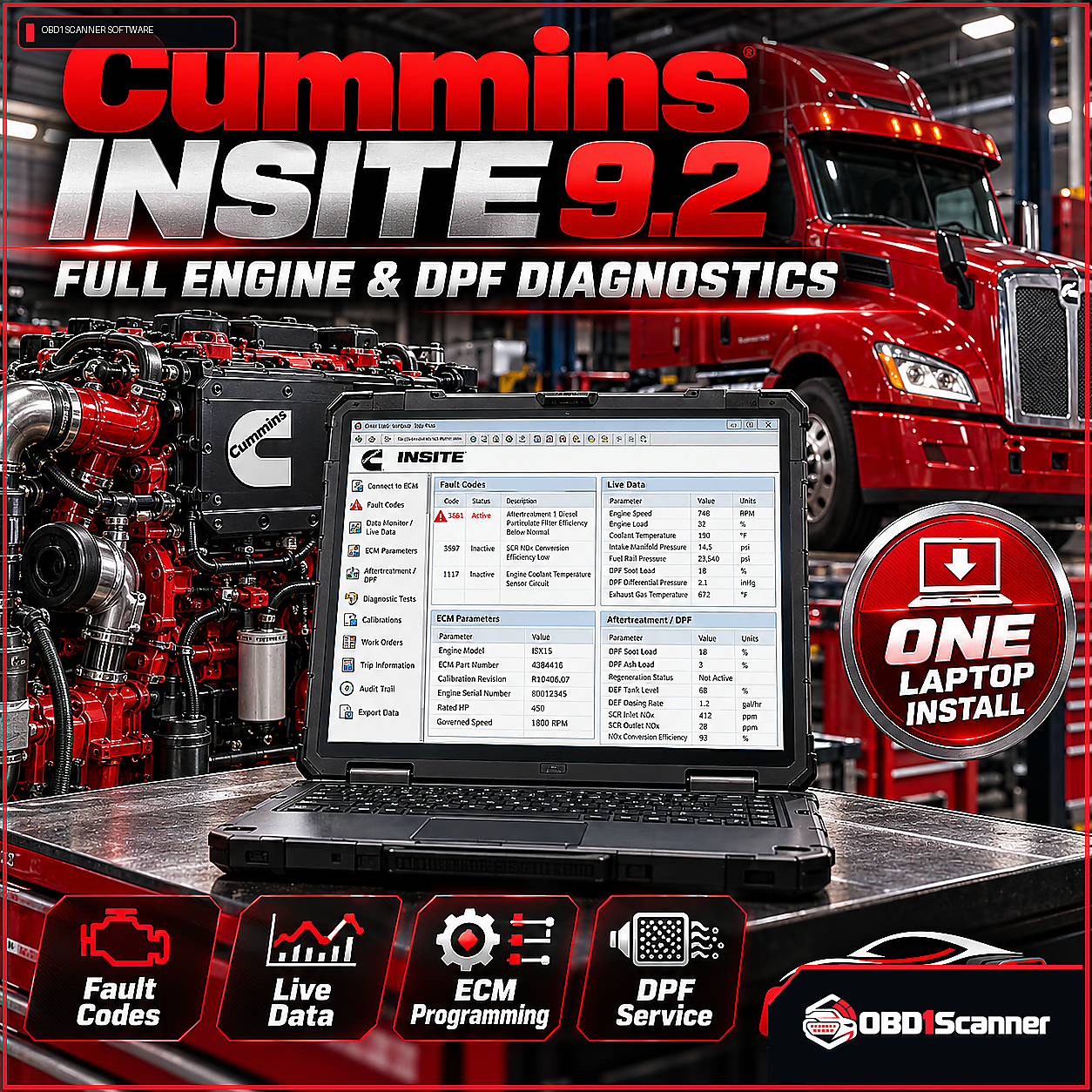
Cummins INSITE Diagnostic Software 9.2 – Full Engine & DPF Diagnostics (One Laptop Install)

Original price was: $199.99.Current price is: $98.88.

Cummins INSITE Diagnostic Software 9.2 supports fault-code checks, live engine data, parameter adjustments, guided troubleshooting, and DPF and aftertreatment diagnostics. This fully activated package is for one laptop install and requires a compatible Cummins adapter and a stable internet connection for activation and updates.

CumminsVersion: Cummins INSITE Diagnostic Software 9.2
Remote Installation

This software requires remote installation. After payment, the support team will contact you to confirm compatibility and arrange the installation session.

Need compatibility help? Contact Support →
Choose your purchase option
Secure checkout
Buy Now

Add to Cart to keep shopping, or Buy Now to go directly to checkout.

ORDER TYPEDigital software

Delivery or installation details are shown for the individual product.

COMPATIBILITYCheck before purchase

Review technical requirements and supported applications carefully.

SUPPORTProduct guidance

Contact support when you need help interpreting compatibility information.

VERIFIED PRODUCT INFORMATION

Technical Details & Compatibility

Review the software version, system requirements and compatibility information before purchase.

Software Version
Cummins INSITE Diagnostic Software 9.2
Supported Operating Systems
Windows 10 or Windows 11 (64-bit)
System Requirements
Windows 10 or Windows 11 (64-bit) 8GB RAM minimum (16GB recommended for large fleets) 10GB free disk space Intel Core I5 Stable internet connection for license activation and software updates Compatible Cummins adapter (Cummins INLINE 6/8 or RP1210-compliant USB adapters)
Supported Vehicles / Equipment
ISX Series X15 Series ISL Series ISC Series ISB Series B Series industrial engines C Series marine and industrial engines
Supported Functions
Read and clear diagnostic fault codes Real-time engine data monitoring Parameter adjustment for engine settings and calibrations Guided troubleshooting with step-by-step repair instructions Support for DPF regen and aftertreatment diagnostics Injector trim adjustments Cylinder cutout testing Turbocharger and EGR diagnostics
Required Interface / Adapter
Compatible Cummins adapter (Cummins INLINE 6/8 or RP1210-compliant USB adapters)
License Information
Fully activated Cummins INSITE Diagnostic Software 9.2 for One Laptop Install
Storage Requirements
10GB free disk space
Internet Requirements
Stable internet connection for license activation and software updates
Update Policy
Updates included based on purchase package
Installation Limit
One Laptop Install
Compatibility Notes
Note: Always check engine compatibility with your Cummins model and year. Disable antivirus software before installation. Activation files may be flagged as false positives but are safe.

Description

Cummins INSITE Diagnostic Software 9.2 provides diagnostic and service functions for supported Cummins engines and equipment. The package includes a fully activated license for one laptop install; remote installation is the listed installation method.

Diagnostic functions

  • Read and clear diagnostic fault codes
  • Monitor real-time engine data
  • Adjust engine settings and calibration parameters
  • Use guided troubleshooting with step-by-step repair instructions
  • Support DPF regeneration and aftertreatment diagnostics
  • Perform injector trim adjustments and cylinder cutout testing
  • Run turbocharger and EGR diagnostics

Supported engines and equipment

  • ISX, X15, ISL, ISC, and ISB Series
  • B Series industrial engines
  • C Series marine and industrial engines

Requirements and compatibility

  • Windows 10 or Windows 11 (64-bit)
  • 8GB RAM minimum; 16GB recommended for large fleets
  • 10GB free disk space and an Intel Core I5
  • Stable internet connection for license activation and software updates
  • Compatible Cummins adapter, including Cummins INLINE 6/8 or RP1210-compliant USB adapters

Updates are included based on the purchase package. Check engine compatibility with your Cummins model and year before use. Disable antivirus software before installation; activation files may be flagged as false positives but are safe.
Reviews

There are no reviews yet.

Be the first to review “Cummins INSITE Diagnostic Software 9.2 – Full Engine & DPF Diagnostics (One Laptop Install)”

Your email address will not be published. Required fields are marked *

OBD1SCANNER PRODUCT OVERVIEW

Why This Software Stands Out

A focused diagnostic package for supported Cummins engines, with fault-code, live-data, troubleshooting, parameter, and aftertreatment functions in one software offering.

Pros

  • Includes a fully activated license for one laptop install
  • Supports fault-code reading and clearing, live data, and parameter adjustments
  • Includes guided troubleshooting and DPF and aftertreatment diagnostics
  • Supports Cummins INLINE 6/8 and RP1210-compliant USB adapters

Considerations

  • Installation is limited to one laptop
  • Requires a compatible Cummins adapter and a stable internet connection for activation and updates
  • Engine compatibility should be checked against the specific Cummins model and year
COMMON QUESTIONS

Software FAQs

Which diagnostic adapters are supported?

A compatible Cummins adapter is required, including Cummins INLINE 6/8 or RP1210-compliant USB adapters.

Which operating systems are supported?

The listed supported operating systems are Windows 10 or Windows 11 (64-bit).

Does the software support DPF and aftertreatment diagnostics?

Yes. Supported functions include DPF regeneration and aftertreatment diagnostics.

How many laptops are included?

The license is for a one laptop install.

What should I check before using the software?

Check compatibility with your Cummins engine model and year. A compatible adapter is required, and a stable internet connection is needed for license activation and software updates.